
Features
HoLo features, screen by screen
Green Manager, pin sheets, the calendar, and daily automation. The screens below are from HoLo, shown with a sample course.
01
Pin Sheet
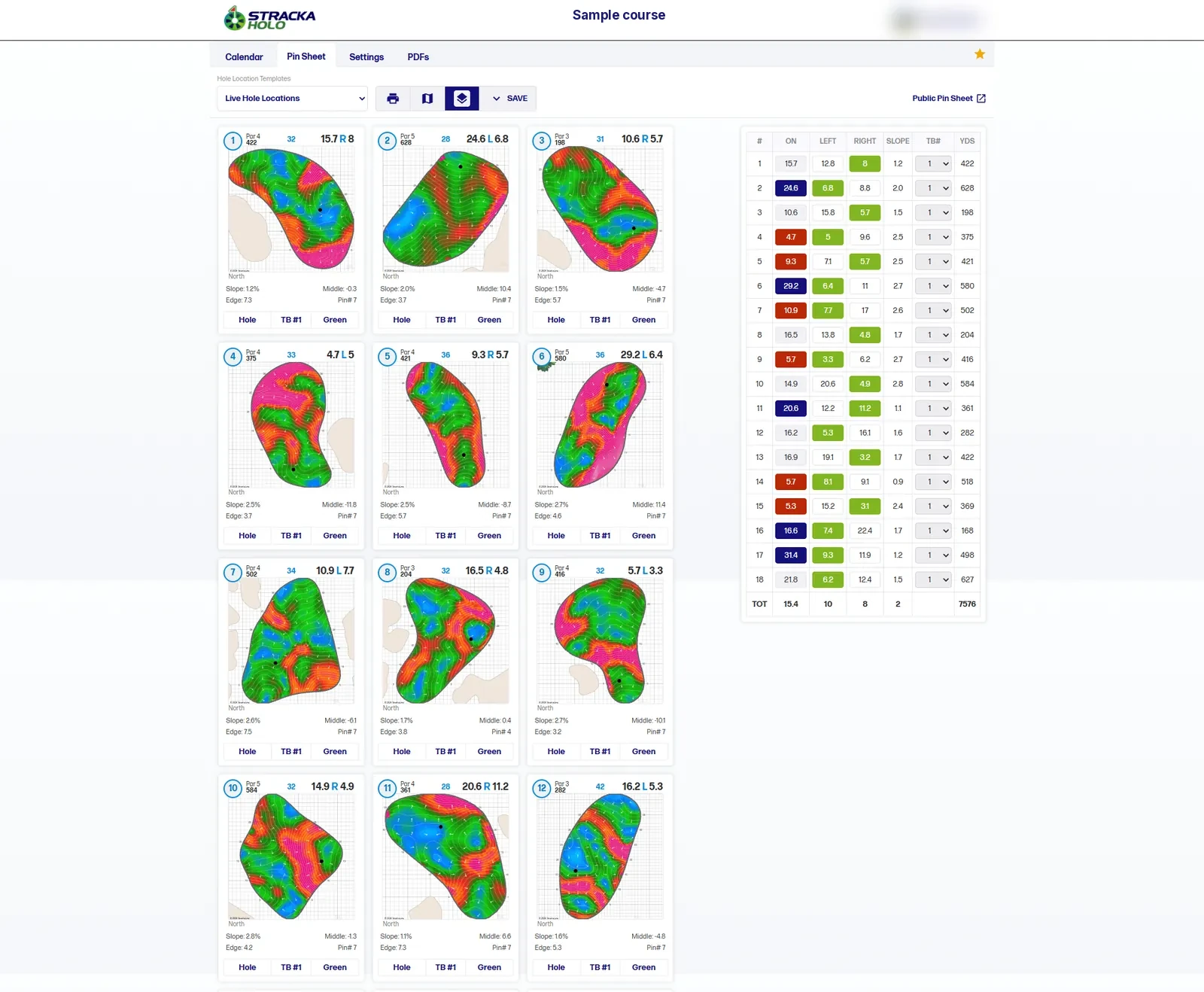
Every green on one screen, with slope heat maps, the hole number, par, and yardage, the pin’s distance on and left or right, slope and edge numbers, and a table for all 18 holes. Print it, view it on the course map, or open the public pin sheet.
02
Daily Hole Settings
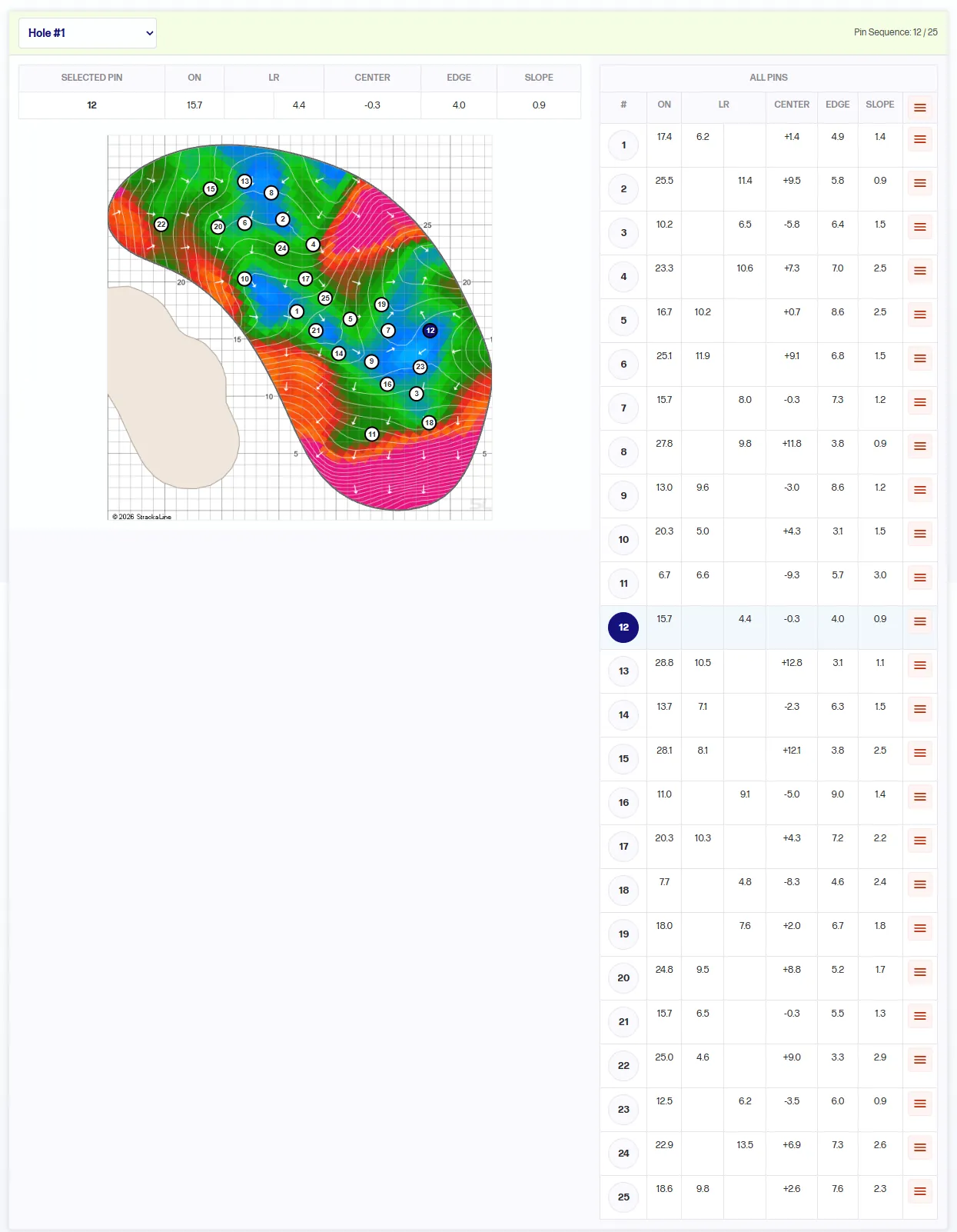
Pick the hole and see every candidate pin on the green. Each pin lists on, left/right, center, edge, and slope, and the pin sequence shows where the rotation is. This is where the superintendent plans tomorrow.
03
Green Manager
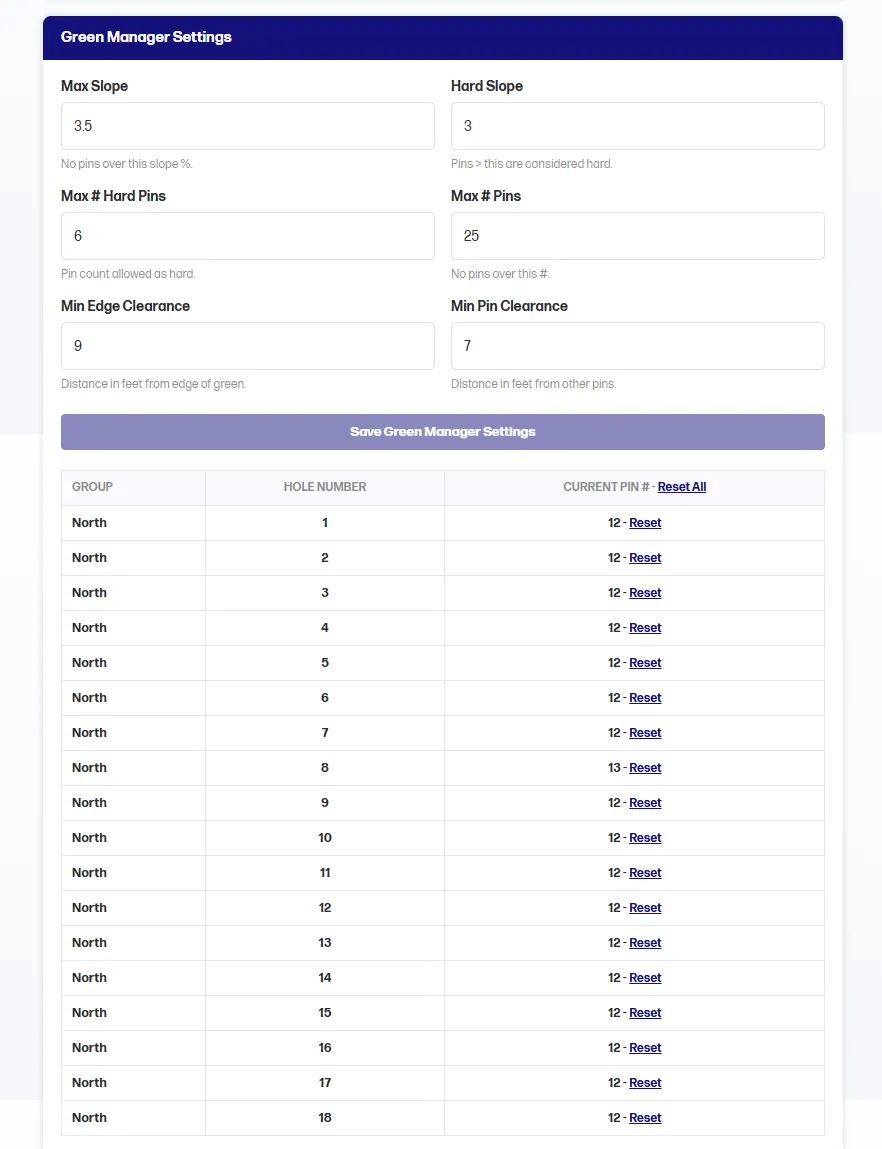
Set the rules for a fair pin: max slope, hard slope, max number of hard pins, max pins, min edge clearance, and min pin clearance. See the current pin for every hole and reset any one.
04
Daily HoLo
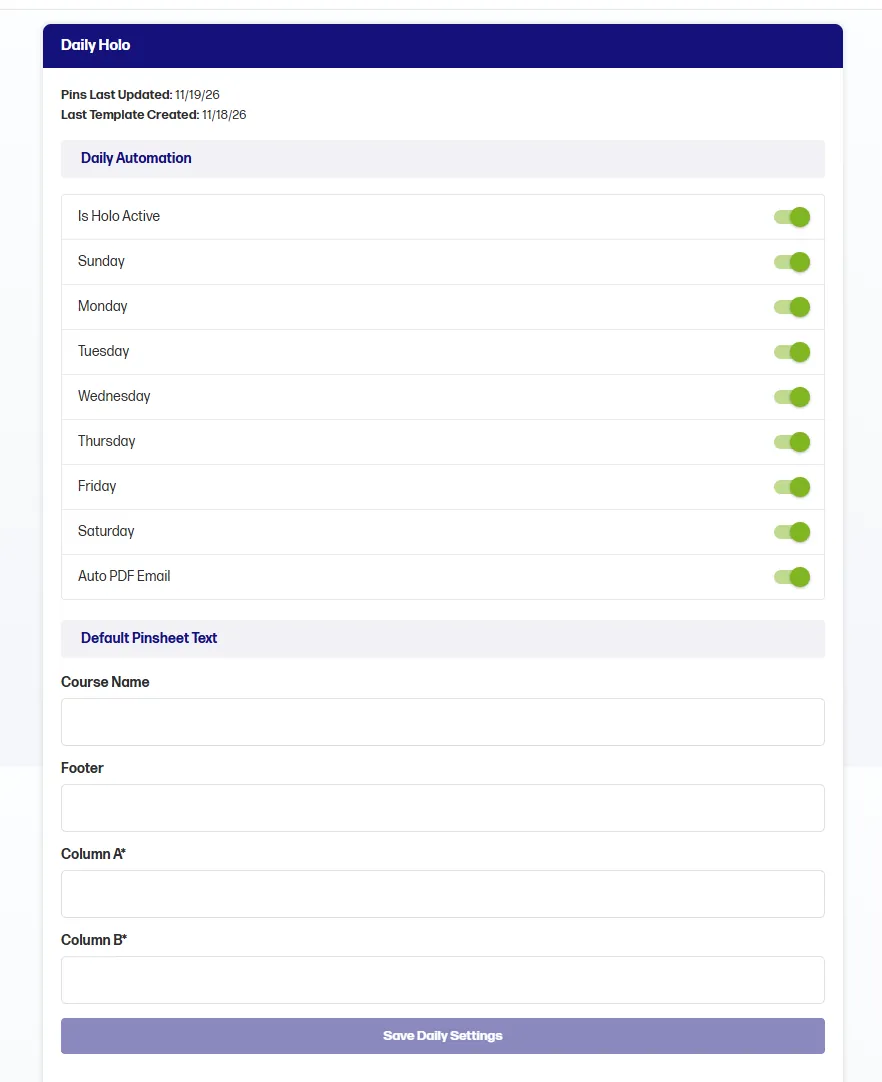
Turn HoLo on, choose which days of the week it runs, and send the PDF by email automatically. Set default pin sheet text for the course name, footer, and columns.
05
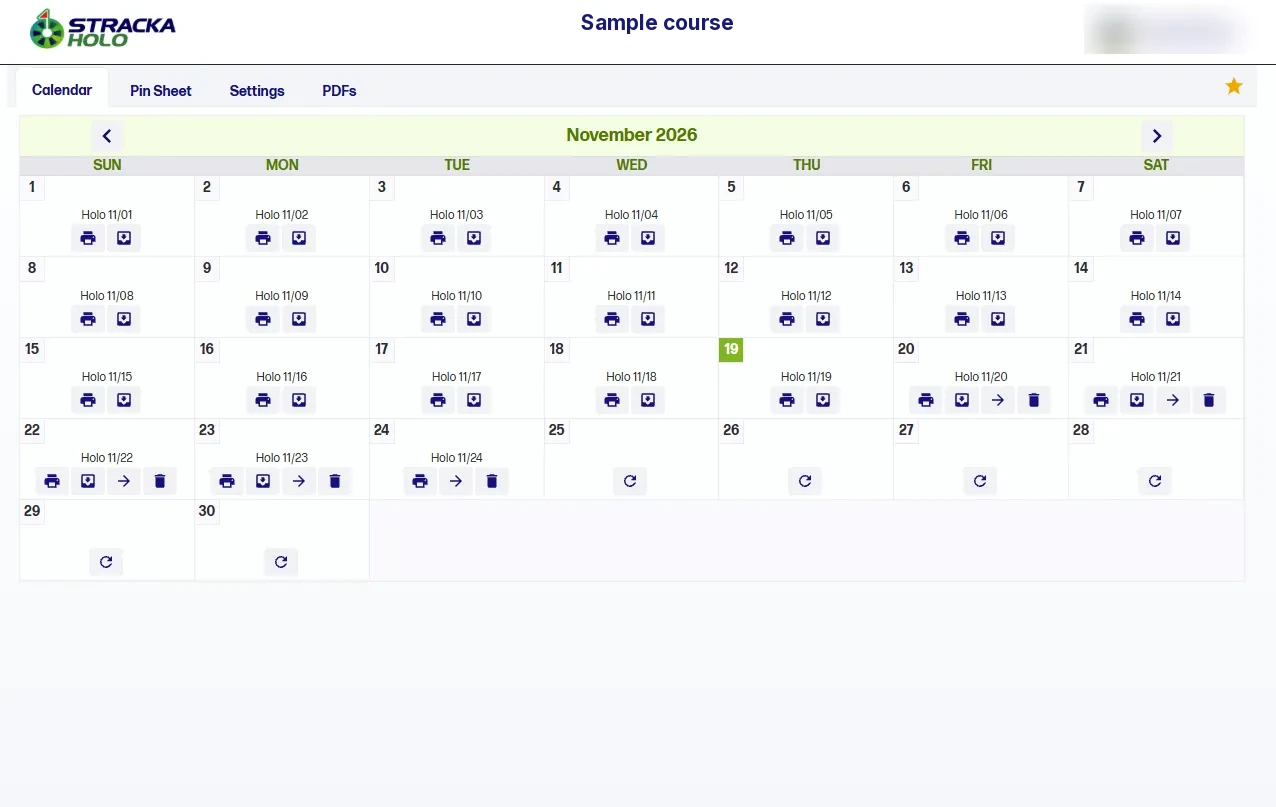
Calendar
Each day’s hole locations on a monthly calendar, so the crew can keep wear off the same spots. Print or download from the date, and see what is set for the days ahead.
06
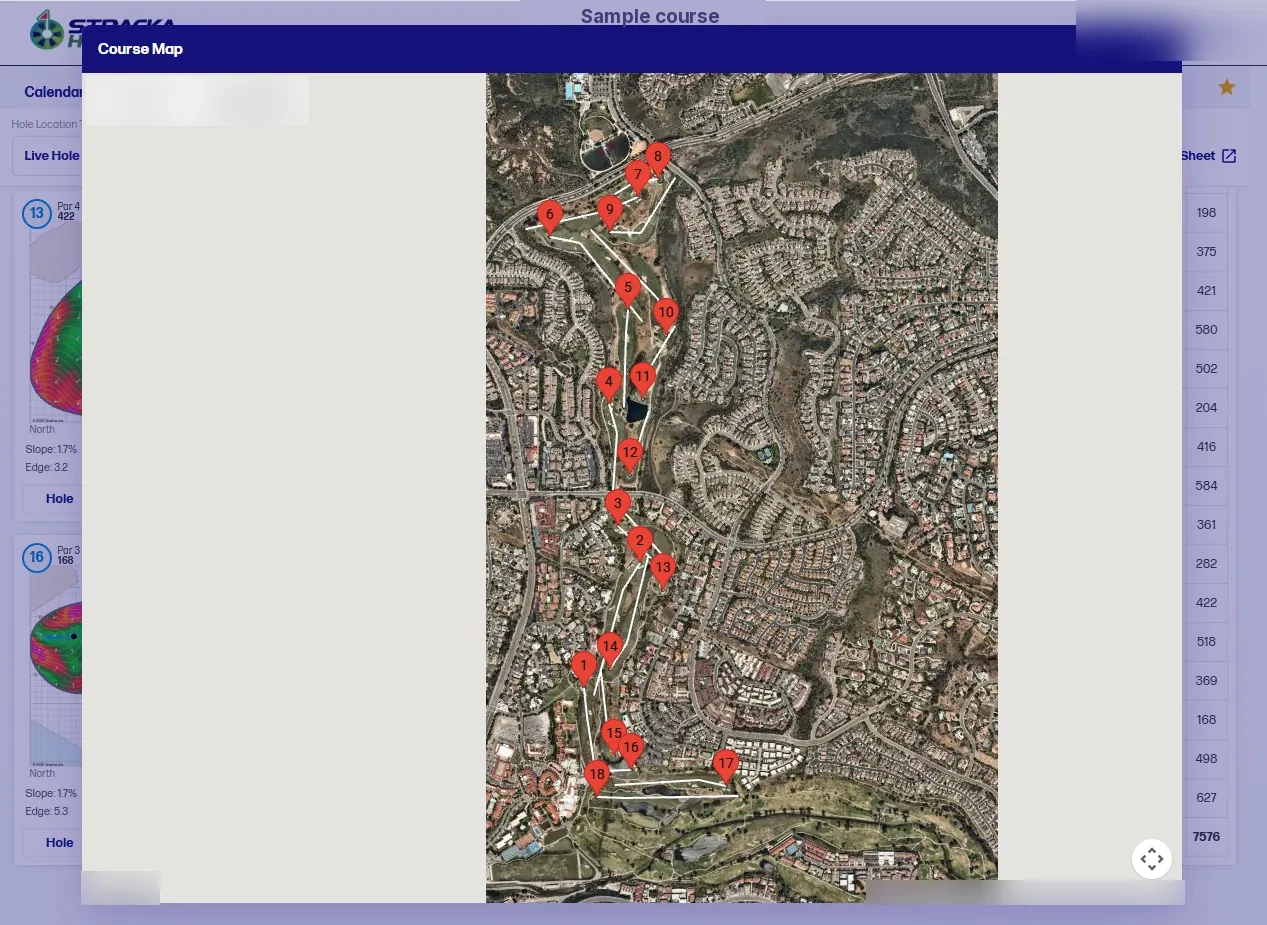
Course Map
Every hole’s location on an overhead map of the course.
07
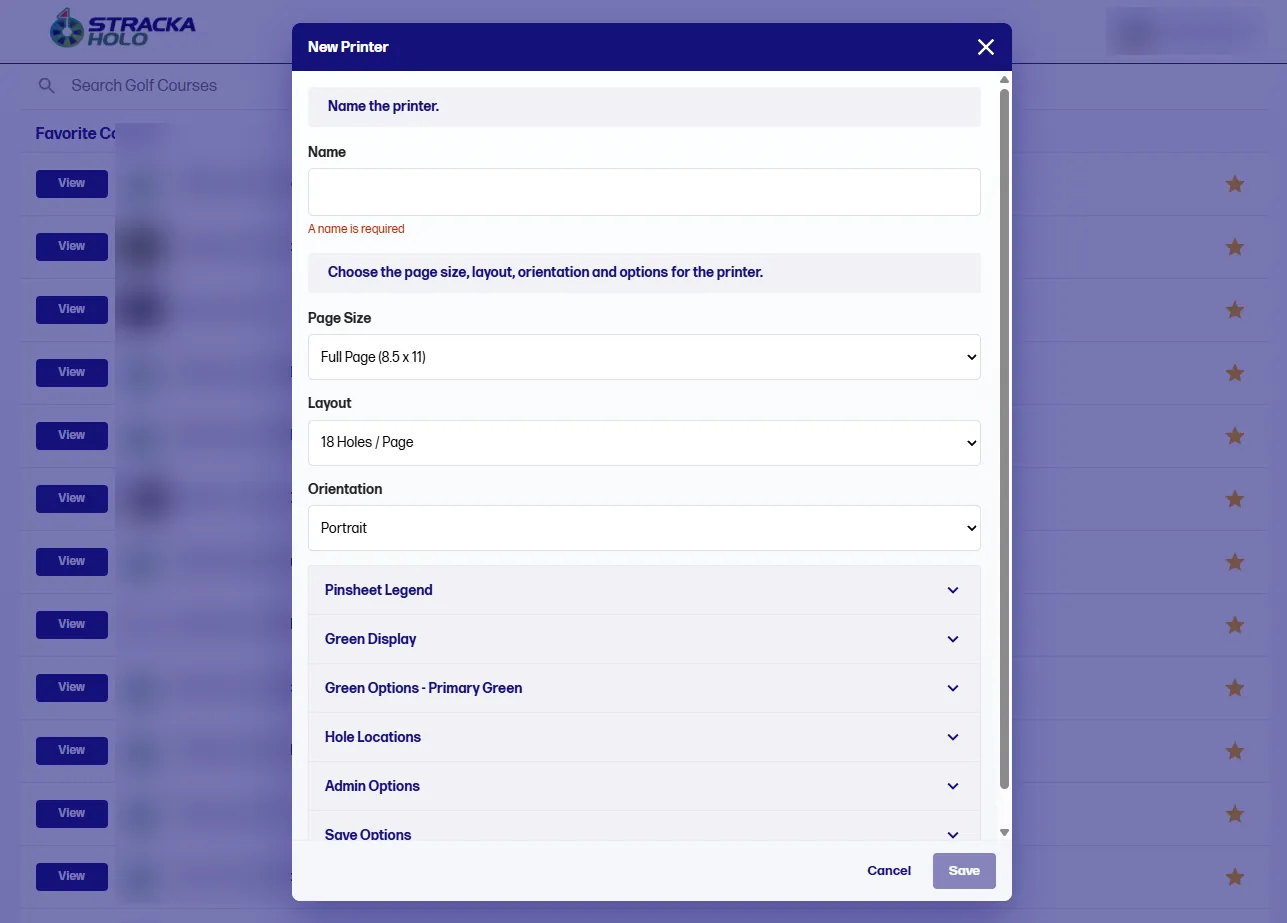
Printer templates
Create a printer with the page size (full page 8.5 x 11 or half page 8.5 x 5.5), layout, and orientation, then set the pin sheet legend, green display, green options, hole locations, admin, and save options.
08
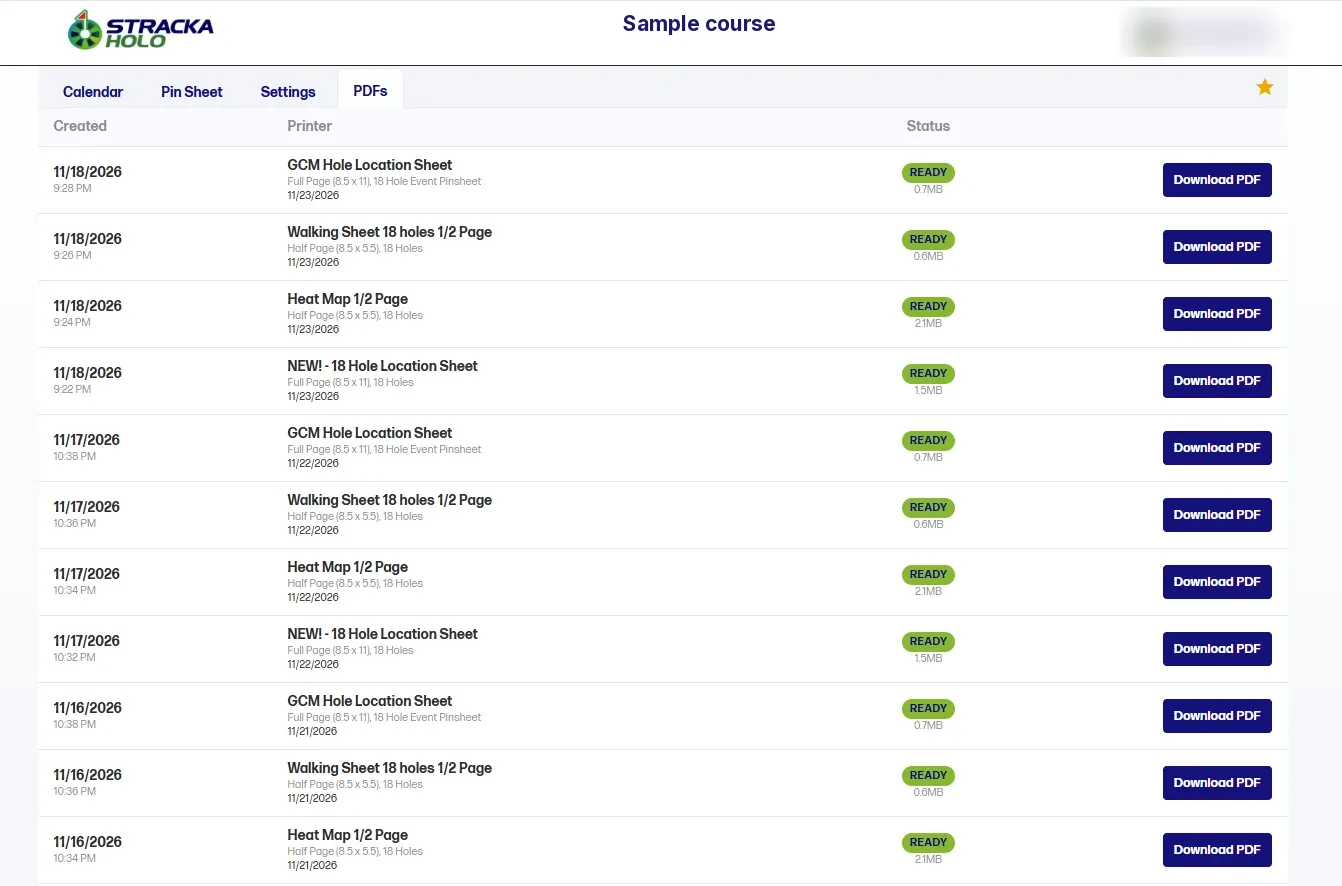
PDFs
Every sheet HoLo prints, with its date, template, page size, and a download button for the shop.
09
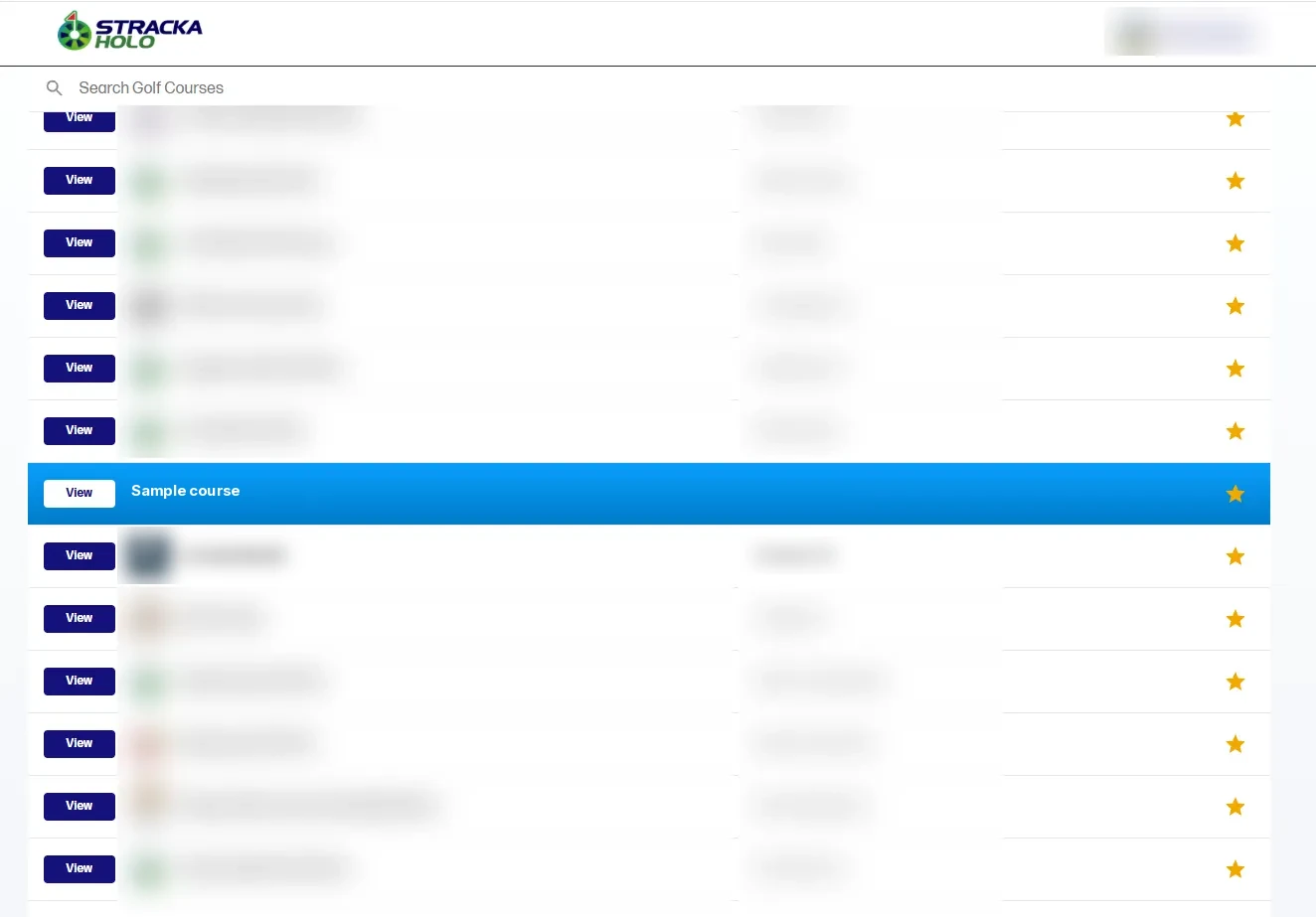
Course list
Search your golf courses, star favorites, and open any course in one click. Useful for event organizations running several courses.
See HoLo on your course
Book a demo, or call or text us. A sales rep sends pricing.